- Log into otter app using this link: https://otter.ai/
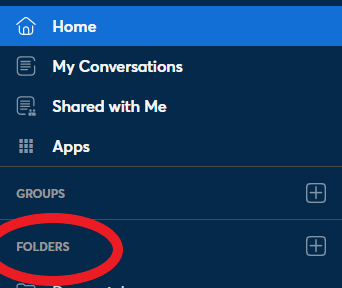
- Look on the left-hand side for a tab labeled “folders”
- Click the dropdown to select the folder you need.
4. Select the file that you need to open.
5. Click the three dots on the righthand side to open the dropdown selections and select “Export text”

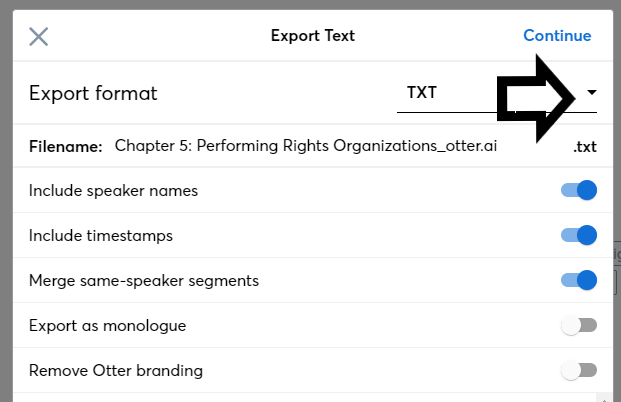
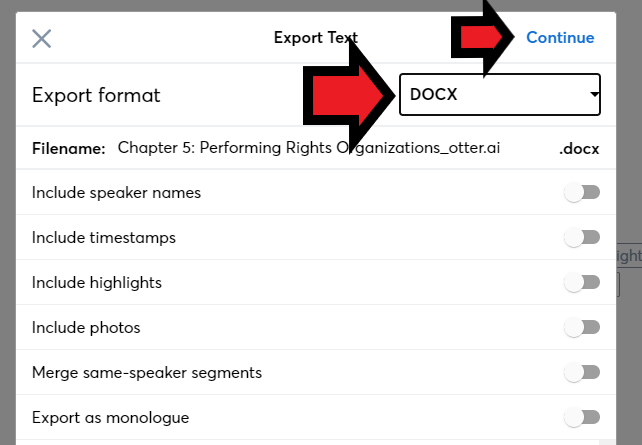
6. Select the export format dropdown arrow and change it to “DOCX”
7. Uncheck all selections.
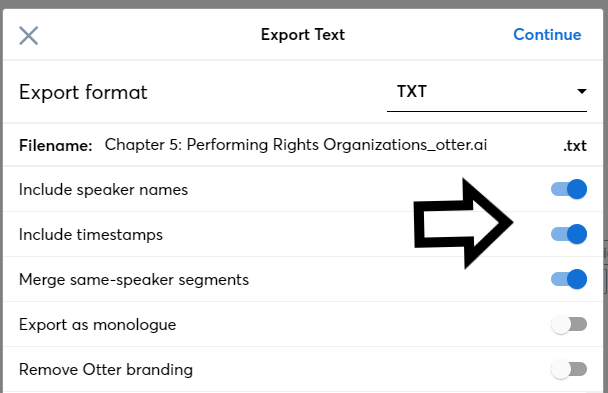
8. Ensure that the document is “DOCX” and hit “continue” to export.
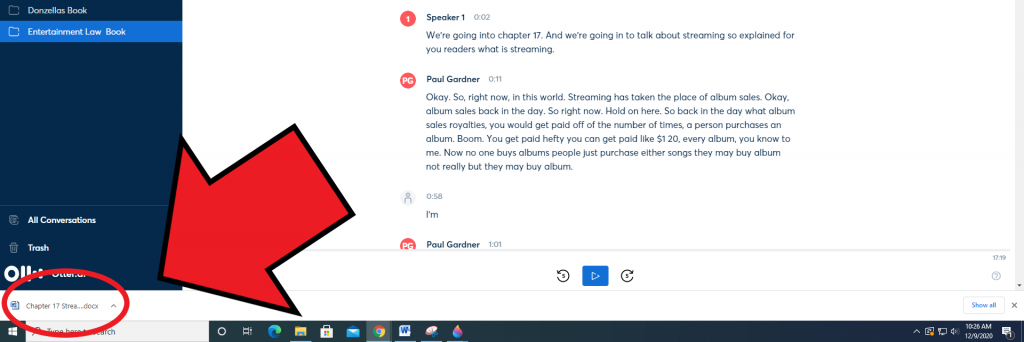
9. Click on the exported document in the bottom left corner to open.