- Open the otter app using this link https://otter.ai/
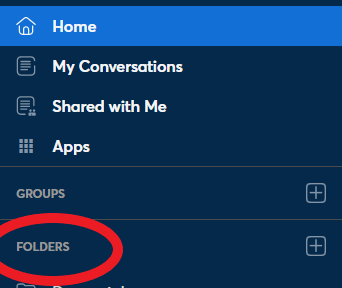
- Select the folder that you need to open on the left-hand side
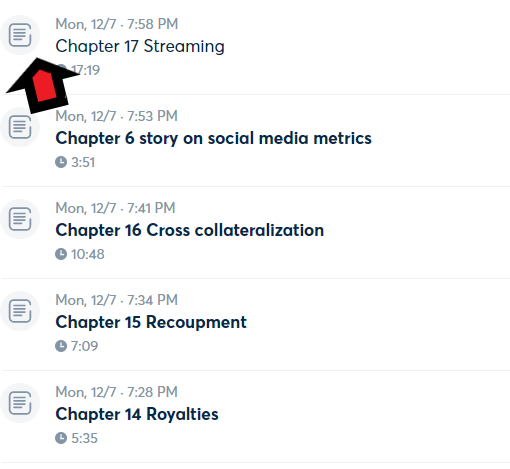
3. Select the file that you want to listen to
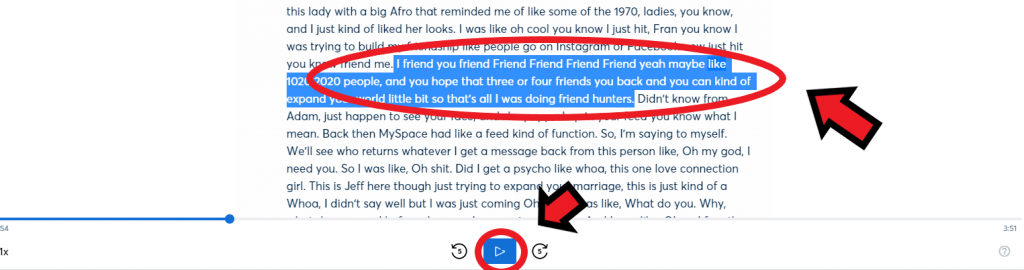
4. Click the play button to begin. You can click on any sentence to listen to that line specifically.